 Kittl
Free
Kittl
Free
Kittl is a AI image and design platform for brand and product visual production. It puts AI images, AI videos, vector editing, text effects, template Mockups and brand workflow in the same canvas.
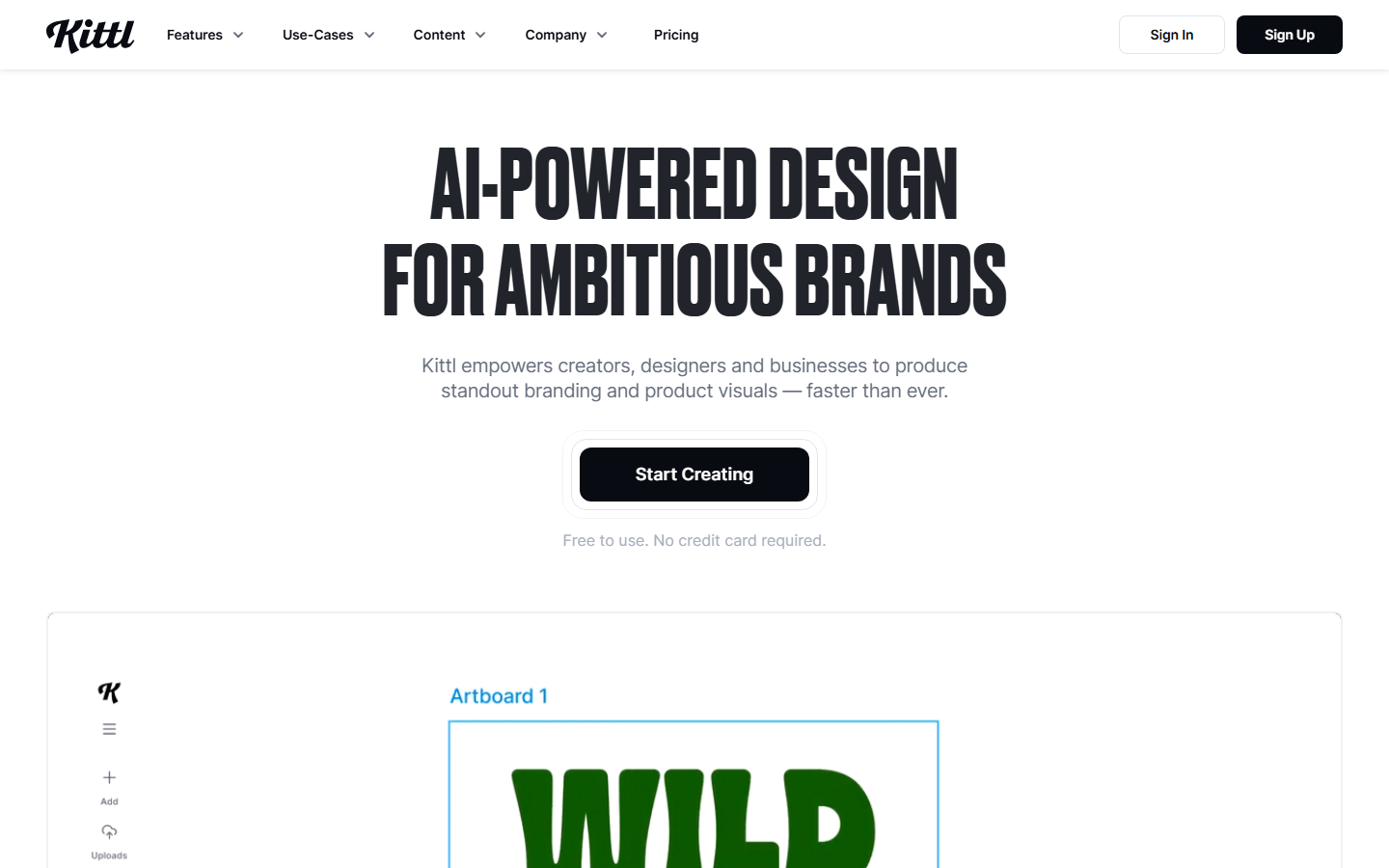
Kittl
Core parameters and statistics
| Project | Current Public Information |
|---|---|
| Official positioning | AI-powered design for ambitious brands |
| Public user size | Trusted by 10M+ creatives |
| Free version | 5 projects, 200 AI tokens, 1M+ assets |
| Pro | $12/month yearly or $15/month |
| Expert | $26/month with annual payment or $35/month |
| Max | $48/month annual payment or $65/month |
| Asset Ecology | 10M+ / 100M+ curated assets (according to package) |
| Core Competencies | AI Image AI Video, Vector Editing, Text Effect Mockup, Template |
Brief review in one sentence: The most valuable thing about Kittl is not that it can produce pictures again, but that it puts the most trivial steps in brand visual production into a canvas.
Publicity Verification: The official website writes designers, sellers, and businesses directly into the target users, which is very accurate. The real advantage of Kittl is not to make artistic posters, but to save brand, product and marketing visuals from having to repeatedly switch tools between generation, vector, template mockup and export.
User and market recognition
Kittl's current strongest public signal is 10M+ creatives and a large number of brand logo walls. Although this is not equal to the number of paying companies, it is enough to show that it has entered the mid-to-high-frequency usage range of mainstream design tools.
Customer Portraits: Exposed brands such as Netflix, Pentagram, Gensler, Ogilvy, Harley, and Uber are more proof of “the design team knows it” than proof of comprehensive procurement. It is best suited for high-frequency visual asset production rather than large design system underlying infrastructure.
Expert’s perspective: Kittl’s market recognition comes from the balance of “professionalism” and “speed”. Many AI design tools are quick to generate but cannot be repaired. Kittl emphasizes that designers stay in control, which is why professional users are willing to stay.
Cost advantage
| Hierarchy | Current public information | Hidden costs/benefits |
|---|---|---|
| C-side / Personal | Clear four-layer structure of Free, Pro, Expert and Max | Try it at a low threshold first, then upgrade according to token and commercial authorization |
| Developer / API | The current main narrative still favors product workbench rather than open API | If an organization wants to deeply automate, it still needs to complete peripheral process integration |
| Enterprise/Team | Max provides higher token, extended commercial license and advanced support | Team benefits mainly come from reducing cross-tool switching and outsourcing rework |
Quantification of cost reduction and efficiency improvement: For a team of 3 people working on e-commerce product graphics, advertising graphics and social media visuals, it may take half a day to a day to switch between graphics tools, vector tools, template tools and mockup tools to produce materials for an event; Kittl's decision to complete this link within 1 to 3 hours is a reasonable deduction, not an official commitment.
Free truth: The Free version is available, but 200 AI tokens is a typical experience amount and is not suitable for high-frequency production. If you really want to use it to run commercial content, it will at least fall into Pro or Expert.
Main functions
- Unified AI Canvas: Put multiple model results directly into the same design space.
- AI image and AI video generation: suitable for product images, brand images and social media visuals.
- Vector Editing: This is one of the biggest differences between it and pure drawing tools.
- Text Effects and Typography: Especially useful for poster logos and brand titles.
- Mockups and templates: Promote "making the picture ready" directly to "materials can be delivered".
- Smart Flows: Template the repetitive visual generation process.
Hidden linkage: The strongest linkage is not a single model, but a chain of "Generate -> Edit -> Set Brand -> Mockup -> Export". What really gets stuck for many visual teams is not that they don’t know how to produce pictures, but that they have to continue doing a lot of dirty work after producing pictures.
Model and version evolution
Kittl's external version is more like a SaaS suite evolution than a base model number.
Multi-model unified canvas stage
Officials have connected models such as Seedream, Ideogram, OpenAI, and Flux to the same canvas for display, which means that its product strategy has shifted from "own capabilities" to "best model aggregation + design control layer."
Flows and video expansion stage
When the official website puts Smart Flows and AI video generation on the main navigation, it shows that Kittl is moving further from static design into dynamic content production.
Package deepening stage
The differences between Free / Pro / Expert / Max’s tokens, asset libraries and commercial licenses are becoming increasingly clear, indicating that its commercialization has been layered around professional production capabilities rather than simply selling templates.
Technical advantages
Mechanism -> Effect -> Scenario: Puts multi-model access, professional design controls and brand asset management on the same workbench, so it is more suitable than pure drawing tools for design tasks that require repeated modification, export and commercial implementation.
Why it’s faster: Eliminate cross-tool import, export, and formatting overhead.
Why it’s more stable: Vectors, text and templates are all in the editable layer, so you don’t have to use prompt to re-bet the result every time.
Not suitable for boundaries: If you want in-depth Figma-level product design collaboration and complex interactive prototypes, Kittl is not the main battlefield; it is more like a brand and marketing visual workbench.
How to use
| Entrance | Suitable objects | How to use |
|---|---|---|
| Free | Experience users | Create projects, test templates and AI capabilities |
| Pro/Expert | Personal professional creator | Run high-frequency brand visual production |
| Max | Team and agents | Large-scale visual output and expanded commercial use |
Get started in 3 minutes: First select a template or blank canvas, then use AI to generate the basic vision, then make vector and text adjustments directly in the canvas, and finally hang it up in Mockup to see the commercial quality. This sequence best illustrates Kittl’s true value.
Product Pricing
The public price card is very clear: there are four tiers: Free, Pro, Expert, and Max, which respectively correspond to higher tokens, larger asset libraries, higher file storage, and stronger commercial permissions.
C-side: Free for experience, Pro starts to become truly production-ready.
Team: Expert and Max are more like buying production capacity and permissions together.
Enterprise: The current public narrative is more biased toward self-service subscriptions, and the true corporate governance capabilities need to be combined with support and security provisions.
Application scenarios
- E-commerce products and advertising visuals: The best combination of template mockup and AI images.
- Brand and Social Media Design: Title logo, event KV, and short video first image are all suitable.
- Quick Proposal for Agents: It saves time to make a high-quality visual sample before making a proposal.
Applicable people
- Brand Designer: Someone who wants speed and controllable modifications.
- E-commerce and Marketing Team: People who produce visual assets frequently.
- Small and medium-sized agents: People who want to produce samples quickly but don’t want to do heavy handwork for every detail.
Dissuade people: Pure artistic creative users, complex interaction design teams, or Figma-heavy teams that rely heavily on the deep plug-in ecosystem may not necessarily use Kittl as their main tool.
Summary and Outlook
Kittl's advantage is not a single model, but the brand visual production chain into an integrated workbench. It is closer to the real commercial design process than pure generation tools, and it is faster to first version delivery than traditional design tools.
The risk boundaries are also clear: first, the public mainline is more focused on visual production than complex team governance; second, the token model will allow high-frequency users to quickly move from the free tier to the paid tier; third, the more you rely on multi-model aggregation, the more you need to pay attention to model copyright and commercial license changes. In terms of procurement/adoption, it is more suitable to pilot it in high-frequency product images and marketing material scenarios, and then decide whether to turn it into a standard tool for the team.
Related tools:  Midjourney, stable-diffusion
Version Info
- Kittl Current AI Design Suite :The current public version uses a unified canvas to host Smart Flows, AI image generation, AI video generation, vector editing, mockups and template ecology, and provides different tokens and asset permissions according to Free / Pro / Expert / Max packages; there is no official precise date yet.
- Smart Flows and AI video expansion stage :Flows, AI video generation and a more complete brand production workflow have entered the main line of external narrative, indicating that Kittl is no longer just a set of template tools; there is no official precise date yet.
- AI image workbench main line :The product has further evolved from template design to a unified AI image and editing workbench, and has begun to emphasize the integration of models such as Flux, Ideogram, and Imagen; there is no official precise date yet.
User Reviews