 LM Studio
Free
LM Studio
Free
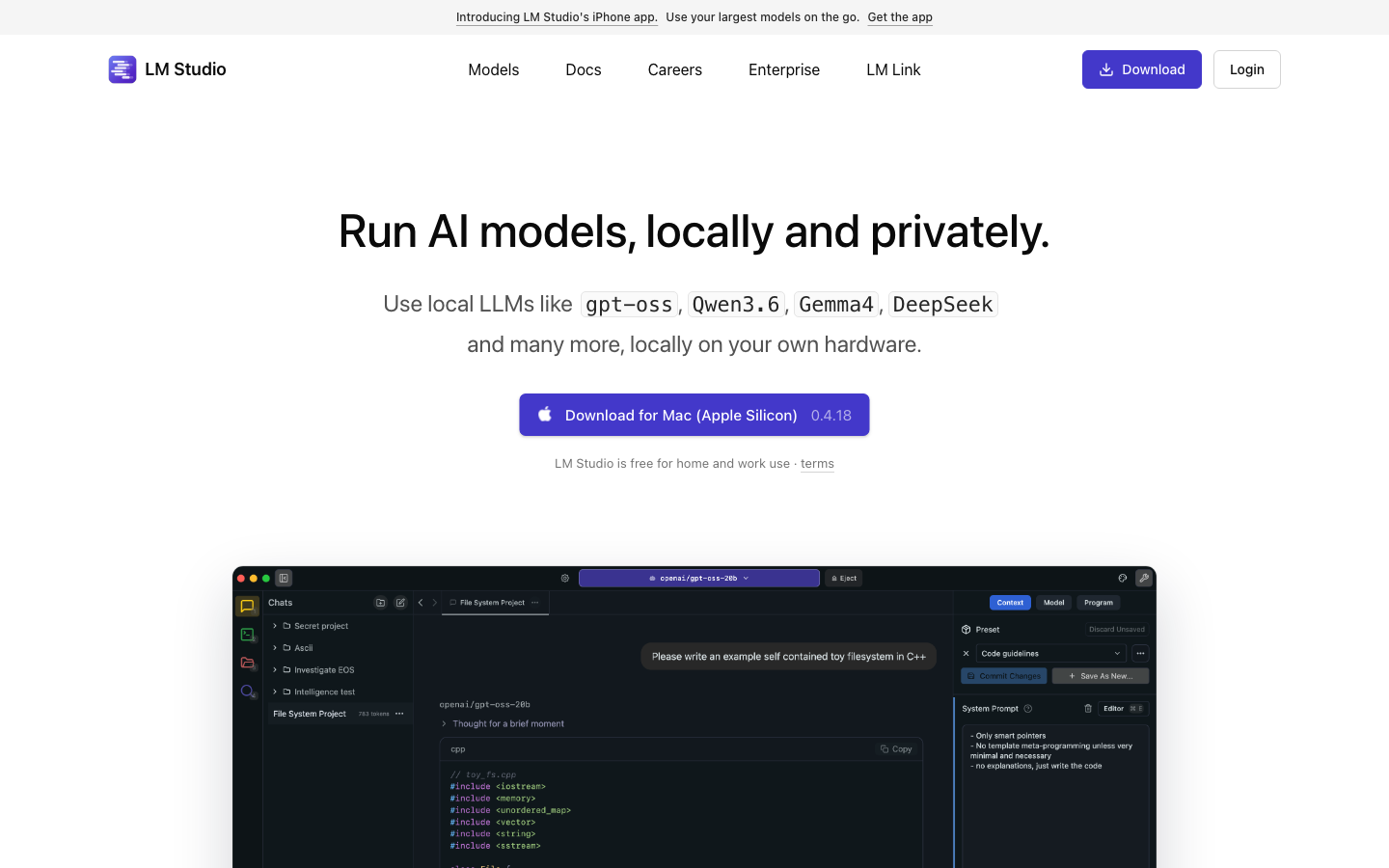
LM Studio is a desktop application that allows users to easily download, run and manage open source large language models locally, without coding and cloud dependencies.
LMStudio
Core parameters and statistics
LM Studio is a desktop application (Type C - open source tool) that allows users to download, run and manage open source large language models with a graphical interface on their local computer. It does not create models, but solves the engineering problem of "making existing models available on consumer-grade hardware" - allowing users without technical background to run local LLM.
| Projects | Public Information |
|---|---|
| Product positioning | Desktop tool for local LLM operation and management |
| Capability boundary | Model download, local inference API service |
| Model format | GGUF (compatible with llama.cpp ecology) |
| Supported Platforms | Desktop, Desktop, Desktop |
| Technology Base | Electron + llama.cpp |
| Home | US |
A brief comment: LM Studio is not an AI model, but "A's browser" - browse and use open source large models like browsing the web, with zero command line operations.
User and market recognition
LM Studio has a high adoption rate in the open source AI community and is one of the most popular desktop tools for running local LLM. It is widely used in scenarios such as model evaluation, local reasoning, and offline AI. GitHub stars, downloads, and community activity are verifiable data to measure its market recognition.
Eco Position: LM Studio fills a critical gap in the graphical user market between Ollama (command line) and GPT4All. It is easier to use than Ollama (has a UI) and has wider model compatibility than GPT4All (supports thousands of GGUF models on Hugging Face).
Cost advantage
C-side/Personal: Completely free and open source, no software subscription fees. All users need is a computer - the DesktopBook Air (M Chip) will also run the 7B-13B models smoothly.
API/Developer: Built-in local API server (compatible with OpenAI API format), developers can call local models at zero cost. Substituting cloud API calls during development and testing phases significantly reduces LLM-related development and experimentation costs.
Enterprise/privatized: Open source and free, can be deployed on the intranet. No license fees, no need to pay any API provider.
Hidden Cost: Hardware cost is the major overhead in real-world use - approximately 8GB+ of available RAM for the 7B model and 48GB+ for the 70B model. If the user does not have a computer with enough memory, the cost of upgrading the hardware may be much higher than imagined. In addition, the inference speed is limited by hardware. The inference speed of the 13B model on consumer computers is about 10-30 token/s (taking M chip Desktop as an example), which is an order of magnitude slower than the cloud API.
Main functions
- Model discovery and download: The built-in model browser directly connects to the GGUF model library on Hugging Face, supporting search, filtering and one-click download.
- Local Inference: Run LLM on the local CPU/GPU, completely offline, and the data does not leave the device. Supports multiple interaction modes such as chat and code generation.
- Model Configuration and Management: Supports parameter adjustment such as context length, temperature top-p, repeat penalty, etc., and can install and manage multiple model versions at the same time.
- Local API Service: Start an HTTP server compatible with the OpenAI API format with one click, allowing third-party applications (such as Continue.dev, Open Interpreter) to call local models through standard interfaces.
- Multi-modal support: Experimental support for vision models such as Llama 3.2 Vision.
[Expert View·Hidden Linkage]: The integration of LM Studio's three things "download → run → adjust API" in the same workflow is its real moat. Before the emergence of LM Studio, a non-technical user who wanted to run local LLM needed to: find a model (Hugging Face) → configure context (Python/Conda) → write inference code → configure API services. LM Studio compresses this path to "Installation→Download→Chat". This difference is not at the functional level, but at the order of magnitude of "reachable user base".
Model and version evolution
Continuous iterative updates, the latest version introduces performance optimization and new features. Historical version information can be viewed on the official release page. There is no complete public version evolution timeline yet. It is recommended to pay attention to the official announcement to understand the rhythm of feature updates.
Technical advantages
- Algorithm Optimization: Special optimization at the model or algorithm level has been carried out for the corresponding scenario to achieve a balance between response speed and result quality.
- Low-latency architecture: Adopts streaming or asynchronous processing architecture to reduce user waiting time and is suitable for high-frequency interaction scenarios.
How to use
- Web client: You can use it by visiting the official website and registering an account. Most functions do not require installation.
- API Access: Provides RESTful API, developers can obtain the API Key and integrate it into their own applications.
Product Pricing
The pricing model is subject to the official real-time page. Usually a freemium or subscription system is used, and basic functions can be used for free. Advanced functions or high-frequency use require paid subscriptions, and users are advised to evaluate the optimal solution based on actual usage.
Application scenarios
- Offline AI Assistant: Use AI in an internal network without internet access or data security. Key points of verification: The degree of matching between model selection and task requirements (CodeLlama for programming, Qwen for Chinese, and Llama for general use).
- Model Evaluation and Comparison: Quickly compare the output quality of different models for the same problem locally to assist selection decisions. Verification focus: Evaluate whether the dimensions cover the typical requirements of the target scenario.
- Development Test Substitution: Develop AI application functions on the local API, and then switch to the cloud production environment after debugging is completed. Key points of verification: OpenAI compatibility coverage of local APIs.
Applicable people
- Privacy-sensitive individual users: Need AI assistance but don’t want data to leave the device.
- AI Developers and Researchers: A low-cost way to evaluate model performance and develop AI applications locally.
- Enterprise IT: Provide local AI inference capabilities to internal teams in isolated environments.
Unfit boundary: Consumer-grade hardware cannot run the 70B+ parameter model smoothly, and the inference speed is much slower than the cloud inference service. Production-level inference scenarios that require high throughput and low latency are not suitable for using LM Studio + consumer-grade hardware.
Summary and Outlook
LM Studio has done an excellent job in the direction of "lowering the threshold for using local AI". Its essence is not technological innovation (the bottom layer relies on llama.cpp), but user experience innovation - turning open source LLM from "needing to write code to use" to "downloading and chatting".
Current limitations: The computing power ceiling of consumer-grade hardware limits the scale and inference speed of runnable models. This is not a problem that software can solve. Support for advanced features such as multi-modality and tool calling is still under iteration.
Procurement/Adoption Risk Assessment: Individual users can directly download and experience for free; enterprise customers need to evaluate before promoting the use: ① Whether the open source license of the target model allows commercial use ② Whether the hardware configuration of employee devices meets the standards (at least 16GB RAM recommended 32GB+) ③ Whether it is necessary to uniformly manage and update the models on multiple devices.
Related tools:  GitHub Copilot,
  Cursor
Version evolution of LM Studio
Please refer to GitHub releases and official release page. It is recommended to pay attention to the improvements in multi-modal model GPU acceleration and API compatibility in version updates.
Comparison of competing products
| Comparison dimensions | LM Studio | Competitor A | Competitor B |
|---|---|---|---|
| Core Differences | — | — | — |
| Price | — | — | — |
| Target Users | — | — | — |
Note: The above comparison is based on product public information, and actual differences are based on user experience.
Version Info
- current :Current version.
- launch :Product goes online.
User Reviews