 Magic Eraser
Free
Magic Eraser
Free
Magic Eraser is an AI object removal tool in the field of AI Image and Design. It can remove unnecessary objects, characters, text and watermarks in pictures with one click. It can be used online without registration and supports batch editing and high-resolution output.
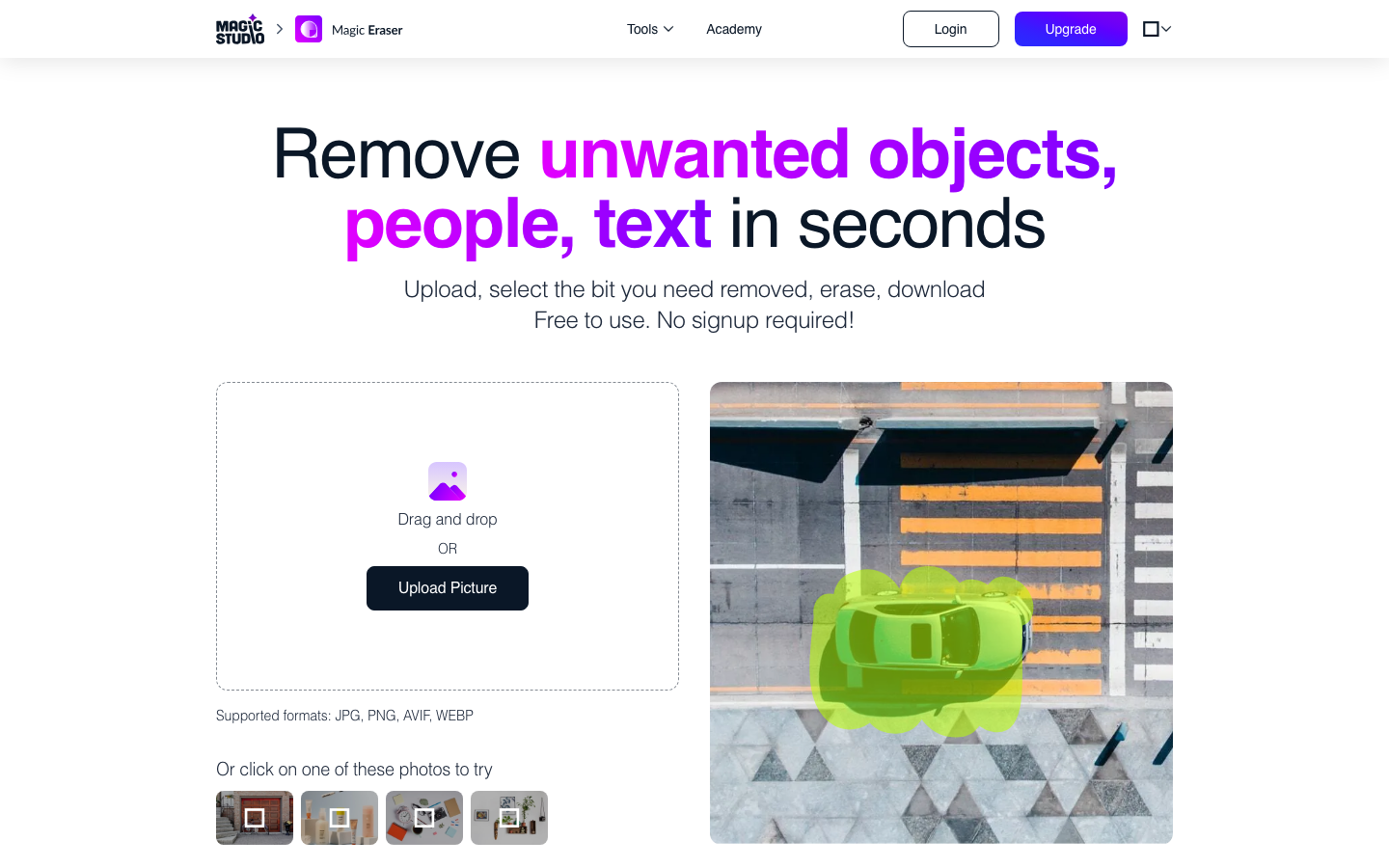
MagicEraser
Core parameters and statistics
Magic Eraser is an AI image editing tool launched by Magic Studio (a subsidiary of aarzoo, Inc.). The product type is a productivity/business application (Type D) and focuses on the single task of "removing unnecessary content from images". It uses the three-step operation of "circle → eliminate → complete" to minimize the threshold for AI image editing. It can be used online without registration. It is one of the representative products in the field of consumer-level AI image editing.
| Projects | Public Information |
|---|---|
| Product positioning | AI object removal tool (one-click erasure) |
| Core capabilities | Object removal, character elimination, text and watermark removal, intelligent background filling |
| Product form | Web, iOS, Android |
| Business Model | Free Basic + Pro Subscription |
| Place of Attribution | US (aarzoo, Inc.) |
| Official entrance | magicstudio.com/magiceraser/ |
| Supported file formats | JPG, JPEG, PNG, HEIC, WEBP, TIFF |
| Free quota | 40 AI generation/month, low resolution download, with watermark |
| Pro Pricing | $4.99/month ($59.99 paid annually) or $14.99/month (paid monthly) |
| User scale | Official display 20 million users 150 million pictures edited |
| Enterprise customers | Uber, Unilever, Booking, Bloomberg, Caltech, etc. |
Brief review in one sentence: Magic Eraser is not Photoshop, but an "AI retouching tool that ordinary people can use" - circle unnecessary objects, AI automatically eliminates and intelligently fills the background. It takes a few seconds to complete Photoshop, which may take half an hour.
Core Competing Products: Adobe Photoshop Generative Fill, Clipdrop Cleanup, Remover.app, and TouchRetouch all belong to the same track. The differentiation of Magic Eraser lies in its zero registration threshold, full web operation and batch editing capabilities, but it is not as good as Photoshop in terms of refinement accuracy and layer control.
User and market recognition
Magic Eraser is one of the most trafficked tools in the Magic Studio suite and has established a broad user base in the consumer AI image editing market. Official figures show 20 million users and 150 million edited images.
Corporate Customer Endorsement: The product page displays a number of companies and institutions including Uber, Unilever, Booking, CBRE, Colliers, Bloomberg, University of Texas, Sotheby's, Caltech, and Agora as users, covering industries such as real estate, e-commerce, finance, and education.
Community word of mouth: Product Hunt founder Ryan Hoover rated "Big fan of simply showing > telling" in testimonials. Many designers and independent developers have reported that it is "incredibly simple" and "the effect is so good that you can't even imagine the original image". However, these testimonials are official selections and do not represent the overall user satisfaction distribution.
Market Position: It belongs to the same AI object removal track as  Clipdrop Cleanup, Remover.app, and Adobe Photoshop Generative Fill. Magic Eraser is well-known in the consumer market, but it has not yet formed an alternative position in professional design workflows.
Cost advantage
The cost advantage of Magic Eraser lies in the two-tier structure of "free availability + low-price subscription", and there is no need to register to experience core functions.
- C-side/Individual: The free version provides 40 AI generation per month, low-resolution downloads, and output with Magic Studio watermark. Pro annual payment is $4.99/month ($59.99/year), monthly payment is $14.99/month, and unlocks Pro access to unlimited generation, high-resolution downloads, no watermarks, batch editing, and the full Magic Studio tool suite (Background Remover, AI Image Generator, Image Upscaler, etc.).
- Developer/API: Magic Eraser does not provide a separate API interface. For scenarios that require programming integration, it is recommended to evaluate the Clipdrop API or Adobe Photoshop API in the same track.
- Enterprise/Private: Enterprise plans are not disclosed on the pricing page. For team bulk usage scenarios, multiple members can be covered through Magic Studio’s unified Pro subscription. Private deployment is not provided, please refer to the official real-time page.
【Free Truth】: The free version’s monthly limit of 40 times is approximately equal to more than 1 time per day, which is suitable for light users who occasionally process a photo. High-frequency users (e-commerce artists who process 50-100 product images per day) require a Pro subscription. The real hidden cost is not in the subscription fee, but in the time of "repeated attempts" - complex scenes (objects close to the subject, large areas filled) often require multiple smear retries, and a single shot may take from 10 seconds to 2-3 minutes.
[Hidden Benefits]: The core value of Magic Eraser is not to replace Photoshop, but to allow people who don’t know how to use PS to edit photos. For the team, this means that the task of "retouching" has changed from having to be handed over to designers (or learning PS on their own) to that ordinary operations can also be completed by themselves - reducing cross-role communication costs and waiting time.
Main features of Magic Eraser
The functionality of Magic Eraser revolves around the core action of "elimination", all provided within the unified toolset of Magic Studio:
- Object and clutter removal: Use a brush to paint the objects that need to be removed, and AI will automatically eliminate them and generate a background fill that fits the context. Applicable scenarios: Remove disturbing elements such as trash cans, poles, signs, and ground debris in photos. Pro tips recommend brush coverage of objects and their shadows for best results.
- People Elimination: Remove unnecessary tourists, passers-by or designated people from photos. Applicable scenarios: Eliminate strangers in commemorative photos of scenic spots, remove unnecessary people in event photos.
- Text and Watermark Removal: Remove text covering logo, watermark, timestamp, etc. from the picture. Applicable scenarios: Cleaning reference images downloaded from the Internet and removing preview watermarks from material libraries.
- Batch Editing (Pro): Upload up to 50 images at one time and perform object removal operations in batches. Applicable scenarios: Batch processing of product images during e-commerce promotions, batch clearing of real estate listing photos.
- Picture Repair and Defect Treatment: Repair scratches, stains, and creases on old photos. Applicable scenarios: digital restoration of historical photos, surface defect treatment of product images.
[Expert View]: The most valuable linkage of Magic Eraser lies in the internal synergy of the Magic Studio suite. From a picture, you can first use Magic Eraser to remove unnecessary elements, then use Background Remover to change the background, and finally use Image Upscaler to increase the resolution - the entire process is completed in the same browser tab, without the need to export and import between different software. The Pro subscription covers the entire suite, which means that for $4.99/month, you are not just buying an erasing tool, but a complete set of lightweight AI image processing pipelines.
Magic Eraser model and version evolution
Magic Eraser's product iteration is driven by a background image repair model rather than a typical version number release model. Magic Studio has not released a detailed version log. The core iteration revolves around the following:
- Around 2023: The first version of Magic Eraser is launched, based on the image repair technology of the early diffusion model, and quickly emerges from the circle with a "zero registration + one-click erasure" experience.
- 2024: Model upgrade, processing speed increased (about 3-10 seconds per time), higher resolution output supported, and batch editing function introduced.
- 2025-2026: Continue to optimize the naturalness of filling in complex scenes (such as large-area background reconstruction, simultaneous removal of multiple people). The mobile iOS/Android App functions are aligned with the web version.
Because Magic Studio is delivered in SaaS form, users do not need to manually update it, and background model upgrades are transparent to users. There is currently no obvious version number differentiation. For specific technical iteration details, please refer to the official update log or blog.
Technical advantages of Magic Eraser
The technical route of Magic Eraser is image inpainting (Image Inpainting) based on the diffusion model. The core working mechanism is:
- Semantic Understanding: The model identifies the object category (people, vehicles, text, debris, etc.) in the user's painted area, and determines the boundary, shadow and perspective relationship of the object.
- Context generation: Use the pixel information and scene semantics (ground, sky, wall, vegetation, etc.) around the smear area to generate filling content that conforms to perspective, lighting, and texture.
- Multiple rounds of iteration: Users can repeatedly smear and eliminate in the same area. Each time it is equivalent to providing the model with a more accurate "needs to be eliminated" signal, gradually approaching the ideal effect.
Comparison with traditional solutions: Photoshop's Content-Aware Fill is based on pixel-level texture synthesis. It is good at filling uniform textures (such as grass and sky) but does not understand object semantics. It is easy to generate unnatural "pixel collages" in complex scenes. Magic Eraser's AI model has scene understanding capabilities - after removing a trash can, it can determine whether the occluded background should be a road or a row of shrubs, rather than just mechanically replicating the surrounding pixel texture.
Engineering Limitations: When the smear area is too large (more than 30% of the screen) or the object is close to the edge of the subject, the model lacks sufficient context clues, and the filled content may appear distorted or blurred. The official Pro tips clearly recommend: eliminate long objects in segments, remove only one object at a time, and ensure that the brush covers the shadow area - these are all empirical understandings of the boundaries of the model's capabilities.
How to use
The usage path of Magic Eraser is very short, and no registration is required to complete the entire process. Available on multiple platforms simultaneously:
| How to use | Suitable for people | Features | Cost |
|---|---|---|---|
| Web client (magicstudio.com/magiceraser/) | All users | No registration required, just drag and drop to upload | Free (40 times/month) or Pro subscription |
| iOS App | Mobile users | Aligned with web functions, supports direct editing of camera shots | Free included in Pro subscription |
| Android App | Mobile users | Same features as iOS version | Free included with Pro subscription |
Typical operation steps (Web side):
- Visit magicstudio.com/magiceraser/
- Drag and drop to upload images, or click to select files (supports JPG, JPEG, PNG, HEIC, WEBP, TIFF)
- Adjust the brush size (slider control) to cover the object you want to remove
- Click the Erase button and AI will process it automatically (about 3-10 seconds)
- See the results – undo and reapply if you’re not satisfied, or repeat Erase multiple times on the same area for more natural results
- Click Download when you are satisfied, and the format will automatically adapt to the edited content.
Deduction: A single simple smear (such as removing a small object) takes about 10-30 seconds in total from upload to download. Complex scenes (large area filling, multi-object segmentation removal) take about 1-3 minutes.
Batch Editing (Pro): In the Magic Studio tool set, you can upload up to 50 images at one time and perform removal operations in a unified manner, suitable for batch cleaning of e-commerce listings or house photos.
Product Pricing for Magic Eraser
Magic Studio's pricing adopts the classic SaaS model of "free version traffic + Pro paid conversion", covering Magic Eraser and all other Studio tools.
| Dimension | Free version | Pro (annual payment) | Pro (monthly payment) |
|---|---|---|---|
| Price | $0 | $4.99/month ($59.99/year) | $14.99/month |
| AI generation times | 40 times/month | Unlimited | Unlimited |
| Download resolution | Low resolution | High resolution (original image quality) | High resolution (original image quality) |
| Watermark | With Magic Studio Logo | No watermark | No watermark |
| Batch editing | Single sheet | Support | Support |
| Mobile App | Basic Access | Pro Access | Pro Access |
| Overlay Tools | Magic Eraser and More | Studio All Tools (7+ Tools) | Studio All Tools |
Free vs. paid decision-making: If you need to process more than 40 images per month, need high-resolution output, or cannot accept watermarks, the Pro subscription is a must. If you only occasionally edit one or two travel photos, the free version is completely sufficient.
Hidden Costs: Pro’s pricing of $4.99/month (paid annually) is extremely competitive among similar tools. For comparison, Adobe Creative Cloud Photography plan is about $10/month and Clipdrop is about $9/month. But for users who only need the object removal function, $4.99/month covering the entire Magic Studio suite may cause redundant functions - if you don't use Background Remover and AI Image Generator, the utilization of this part of the value will be discounted.
Application scenarios of Magic Eraser
The implementation scenarios of Magic Eraser focus on batch image processing tasks with "high efficiency requirements and medium refinement requirements":
- E-commerce product image optimization: Remove cluttered backgrounds, interfering labels, and bracket reflections in product images, or clean up background interference from multiple product images in a batch. Cost reduction and efficiency improvement: It takes an average of 2-5 minutes for e-commerce artists to manually repair a product image using Photoshop; using Magic Eraser for batch processing, it can be compressed to 10-30 seconds per image, without the participation of designers, and can be operated by ordinary operations. From 5 minutes to 10 seconds, the efficiency is increased by about 30 times.
- Travel and Life Photo Repair: Remove passers-by, branches blocking the lens, garbage falling on the ground, etc. in photos of scenic spots. Cost reduction and efficiency improvement: The traditional method requires "waiting for the crowd to disperse before shooting" (waiting an extra 5-10 minutes on average or even giving up shooting) → changed to "shoot first and then remove" (10 seconds of processing), and the scrap rate is significantly reduced.
- Quick editing of social media images: Self-media operators process multiple images every day and need to quickly remove watermarks, logos or unnecessary annotations. Cost reduction and efficiency increase: From opening Photoshop to manual repair (3-5 minutes per picture) → dragging and selecting circles in the browser to eliminate (20-30 seconds per picture), processing 20 pictures per day can save about 1.5-2 hours.
- Real estate and listing photo cleaning: Remove the previous tenant’s personal belongings, moving marks, and ground debris from the listing photos. Cost reduction and efficiency improvement: Real estate photographers or property management teams batch process house listing photos. There are 5-10 photos of a single house. Traditional refinement one by one takes 20-40 minutes. Magic Eraser batch processing can be compressed to 3-5 minutes.
- Design material and reference drawing cleaning: After designers download reference drawings from the Internet, they can quickly remove watermarks, annotations, or unnecessary elements before creating secondary works. Cost reduction and efficiency improvement: From manual cropping or imitation stamp retouching (5-10 minutes per image) to AI one-click clearing (10-15 seconds), the efficiency of material collection and sorting is increased by 20-40 times.
Dimensionality reduction attack scenario: Roles who cannot use Photoshop but need high-frequency photo retouching - e-commerce operators, social media editors, real estate agents, ordinary consumers. Magic Eraser simplifies the "photo editing" operation to "circling → erasing" without any learning curve.
Human-machine collaboration boundary:
- 100% automatable: Simple isolated object removal (such as clutter on a solid background, obvious watermark overlay), AI can complete it in a single generation.
- Manual confirmation required: Complex scenes (objects close to the edge of the subject, large-area background reconstruction, cross-occlusion of multiple people) often require multiple smear attempts. It is necessary to manually confirm whether the filling content is natural and whether there are any residual marks on the edges of the object.
- Requires manual intervention: For key areas involving the main structure (such as face coverings, labels of precision products), it is recommended to retain manual refinement as a backup solution.
Applicable people
Magic Eraser's audience covers a wide spectrum from ordinary consumers to professional users, but the suitability of different roles varies significantly:
- E-commerce operations and art: A group that processes product images with high frequency. Magic Eraser's batch editing and high-resolution output directly correspond to work needs and are suitable for daily quick cleaning of product images. However, when you need to refine the main product image (such as high-precision background removal and synthesis), you still need to return to Photoshop.
- Social media operation and self-media: Multiple images need to be output every day, with medium requirements for image editing quality and extremely high requirements for image output speed. Magic Eraser's zero-threshold operation and fast processing perfectly match such needs, and can be completed by yourself without the assistance of a designer.
- Ordinary consumers/photography enthusiasts: Dealing with small flaws in daily travel photos and daily life photos is a light use scenario. The free version’s monthly quota of 40 times is basically enough. It can be used without registration, which reduces the cost of trying.
- Real Estate and Property Management: Practitioners who process real estate photos in batches. They do not have high requirements for the quality of single photo editing but the quantity is large. Magic Eraser's batch editing and scene understanding capabilities (can remove furniture, clutter, and people) significantly improve the efficiency of drawing.
- Professional Designers and Photographers: Only suitable as an aid for quick drafts or initial cleanup. In advanced workflows that require layer-level non-destructive editing, precise stroke control, and color management, Magic Eraser cannot meet the needs.
Not suitable for borders: Not suitable for commercial advertising images that require pixel-level refinement, portrait refinement (skin processing, liquefaction), multi-element synthesis that requires layer management, and professional photography post-production that requires print-level color management. These scenes still require professional tools like Adobe Photoshop or Capture One.
Summary and Outlook
With the extremely simple experience of "one-click removal", Magic Eraser proves the feasible path of AI image editing in the consumer market - no complex interfaces and parameters are required, no registration or payment is required, only pictures need to be uploaded, smeared and erased. It is essentially a "task tool", not a "tool platform". This positioning is both its advantage and its ceiling.
Current Limitations and Uncertainties:
- The naturalness of the model is still limited when dealing with large-area filling (>30% of the screen), and there is a gap between it and professional-level retouching.
- Lack of layer management and non-destructive editing to meet professional workflow needs.
- The batch editing function is only available for Pro subscriptions, and the operation logic is unified smearing - individual pictures in the batch cannot be differentially processed.
- Magic Studio is a SaaS service. The background model updates are transparent but uncontrollable, and users cannot fix the version.
Follow-up observation points: The development direction of Magic Eraser depends on Magic Studio's product strategy-whether it will be extended in a professional direction (such as introducing layer and mask functions), or whether it will continue to optimize the processing effect of simple scenes in the consumer market. In addition, Adobe Photoshop's deep integration of Generative Fill into Creative Cloud will also squeeze Magic Eraser's user base.
Procurement/Adoption Risk Assessment:
- Light individual users: The free version is enough, no need to pay.
- Medium usage (40-200 pictures per month): Pro annual payment of $4.99/month is one of the most cost-effective AI photo editing subscription plans on the market. It is recommended to subscribe annually to lock in the low price.
- Heavy usage (200+ photos per month): It is recommended to compare the Generative Fill capabilities of Adobe Creative Cloud Photography Plan (about $10/month, including Photoshop+Lightroom). If you are an Adobe ecosystem user and need layer-level editing, it is not recommended to purchase Magic Eraser Pro separately.
- Enterprise Team: Magic Studio does not provide clear enterprise plans and SLA commitments. Before using it in batches, it is recommended that the team test it with a personal Pro account for 1-2 weeks, focusing on verifying the consistency of the removal effect on different image types (product images, property images, people images), and whether the actual throughput of the batch editing function meets daily needs.
Version Info
- Magic Eraser :There is no official precise date yet. The product continues to iterate, with the core focus on optimizing the diffusion model image repair effect and batch editing capabilities.
- Magic Eraser :The first public version provides basic object selection and removal functions, and quickly gained recognition in the consumer market.
User Reviews